
Best Continuous Integration Tools in 2026 – GitLab, Jenkins, and AWS CodePipeline Compared

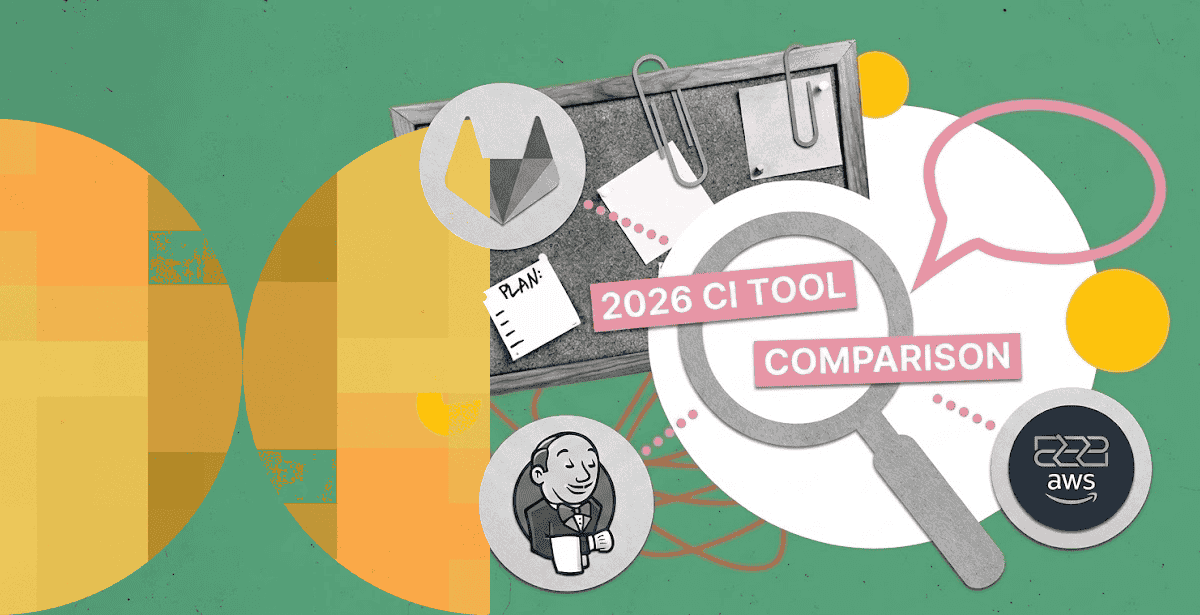
Picking continuous integration tools used to be simple. Most teams just installed Jenkins and moved on. That is no longer true.
GitLab CI/CD, Jenkins, and AWS CodePipeline now solve overlapping problems in very different ways. One is a full DevOps platform. One is an open-source workhorse with a massive plugin ecosystem. One is a managed AWS-native service.
Picking wrong costs your team months of rework later. Migrating an entire pipeline mid-project is expensive, slow, and disruptive to every team that depends on it.
What Is CI/CD? A Quick Refresher
CI/CD stands for continuous integration and continuous delivery, or continuous deployment. It is the practice of automatically building, testing, and shipping code every time a developer commits a change.
A person no longer has to manually merge, test, and deploy each change. A CI/CD pipeline does it on a defined, repeatable schedule instead.
This matters because manual releases are slow and error-prone. A good DevOps pipeline turns weeks-long release cycles into changes that ship the same day, safely.
Why Continuous Integration Tools Still Matter in 2026
Continuous integration tools automate the build, test, and merge steps that used to eat up engineering hours. They catch broken code before it reaches production. They also set the ceiling on how fast your team can ship.
A recent JetBrains survey found that 32% of organizations now run two different CI/CD tools side by side. Another 9% run three or more. Tool sprawl is common, not rare.
Jenkins and GitLab remain the enterprise favorites in that same survey. Both show far higher adoption at medium and large companies than at small ones. Legacy pipelines rarely disappear overnight, either. Many teams run old and new tools in parallel for months, sometimes years, during a migration.
This is exactly the kind of decision worth getting right the first time. Below, we break down GitLab CI/CD vs. AWS CodePipeline in more detail, alongside Jenkins, so you can see where each one wins.
CI/CD Tools Compared: GitLab CI/CD vs. Jenkins vs. AWS CodePipeline
Each of these three CI/CD tools takes a different approach to the same job. GitLab CI/CD bundles everything into one platform. Jenkins trades convenience for near-infinite flexibility. AWS CodePipeline trades flexibility for zero server maintenance.
🔥 Hot tip! Tip: Looking specifically at GitLab and AWS? We’ve already published a detailed comparison of GitLab CI/CD vs AWS CodePipeline that breaks down the strengths, tradeoffs, and ideal use cases for each platform. If you’re evaluating continuous integration tools, it’s a useful starting point before comparing additional options.
GitLab CI/CD: The All-in-One DevOps Platform
GitLab CI/CD ships pipelines, source control, and issue tracking in one product. Teams like it because there is nothing extra to wire together. A `.gitlab-ci.yml` file defines the entire pipeline right next to the code it builds.
Where GitLab CI/CD Wins
GitLab CI/CD shines for teams that want a single platform end to end. Setup is fast, since runners and pipelines share the same interface as source control.
Built-in container registry and security scanning cut down on third-party tool sprawl. Merge request pipelines catch issues before code ever reaches the main branch, which shortens review cycles.
DPL used on-premises GitLab CI/CD to power a fully air-gapped Kubernetes platform for a defense organization. Deployment frequency went from monthly to multiple times a day. Pipeline execution time dropped to under 10 minutes, down from hours.
Where GitLab CI/CD Falls Short
GitLab CI/CD can get expensive at scale, particularly for compute-heavy pipelines on hosted runners. Teams already committed to a different source control platform also lose some of the integration advantage.
Self-hosting adds operational overhead most teams underestimate at first. Someone still has to size runners, manage upgrades, and monitor pipeline queues during peak load.
Jenkins: The Open-Source Workhorse
Jenkins has powered enterprise pipelines for over a decade. Its plugin ecosystem is enormous, covering nearly any integration a team could need. That flexibility is both its biggest strength and its biggest liability.
Where Jenkins Wins
Jenkins is free, open source, and infinitely customizable. A 2026 CNCF and SlashData survey found Jenkins still scores strong maturity marks among production teams. It runs anywhere, from bare metal to Kubernetes, with no vendor lock-in.
Complex, highly customized pipelines are where Jenkins earns its reputation. If your build process has unusual requirements, a Jenkins plugin probably already exists for it. Teams with legacy toolchains, unusual compliance needs, or on-premises constraints often land here by necessity.
Where Jenkins Falls Short
Jenkins requires real maintenance. Someone has to patch the server, manage plugin versions, and keep agents healthy. Plugin conflicts are a common source of pipeline breakage after updates.
Security is a recurring concern too. Outdated plugins are a frequent attack vector, and patching cadence varies wildly across the plugin ecosystem. The user interface also feels dated next to newer platforms.
Teams often pair Jenkins with dedicated DevOps consulting services just to keep pipelines maintainable as they scale. Treating Jenkins as “set it and forget it” is how most Jenkins horror stories start.
AWS CodePipeline: Native Automation for AWS-First Teams
AWS CodePipeline is a fully managed service built for teams already living inside AWS. It connects directly to CodeBuild, CodeDeploy, CloudFormation, and dozens of other AWS services without extra configuration.
Where AWS CodePipeline Wins
There are no servers to patch or scale here. AWS handles the underlying infrastructure entirely. Pricing is usage-based, which suits smaller teams that don’t want to pay for idle capacity.
DPL rebuilt a facility management client’s cloud ERP platform on AWS CodePipeline, processing over 500,000 work orders a year. Deployment time dropped from four hours to under one minute. Deployment frequency moved from weekly to daily, alongside SOC 2 Type II compliance.
Where AWS CodePipeline Falls Short
AWS CodePipeline works best when your whole stack already lives on AWS. Multi-cloud or hybrid teams will feel friction fast. Its plugin and integration ecosystem is also smaller than Jenkins’ by a wide margin, especially for non-AWS tooling.
Cost and Total Ownership
Sticker price rarely tells the full story here. GitLab CI/CD bills by compute minutes on hosted runners, which adds up fast for large test suites. Self-hosted runners shift that cost to your own infrastructure instead, along with the staff time to run them.
Jenkins itself is free. The real cost shows up in staff time: someone has to run, patch, and troubleshoot it continuously. Budget for that person or team before you budget for anything else.
AWS CodePipeline charges per active pipeline, plus usage on connected services like CodeBuild. For AWS-native teams already paying for that infrastructure, the marginal cost is often the lowest of the three.
Choosing the Right DevOps Pipeline for Your Team
There is no universal winner among these three platforms. The right DevOps pipeline depends on your stack, your team’s size, and how much operational overhead you can absorb. A five-person startup and a 500-engineer bank should rarely land on the same answer.
Choose GitLab CI/CD if you want a unified platform and are willing to pay for convenience. Choose Jenkins if you need deep customization and already have staff to maintain it. Choose AWS CodePipeline if your infrastructure is AWS-native and you want to minimize ops work.
Many enterprises do not pick just one. As the JetBrains data shows, running multiple CI/CD tools across different teams is now the norm, not the exception.
Common Challenges Across All Three
Speed is not the only thing that matters. A few challenges show up regardless of which tool you choose.
Security comes first. Pipelines have access to source code, secrets, and production credentials. A weak pipeline is a direct path into your infrastructure.
Maintenance comes second. Every tool here needs ongoing care, whether that means patching Jenkins plugins or tuning GitLab runner costs. Nothing here is truly “set and forget.”
Team skill comes third. A powerful pipeline is only as good as the team running it. This is why platform engineering has emerged as its own discipline, separate from general DevOps work.
Getting this right consistently is less about finding a “best” tool. It is about matching the tool to the team that has to run it every day.
💡Don’t confuse automation with platform engineering. Platform engineering vs DevOps is not simply a matter of choosing between two approaches to CI/CD. DevOps focuses on collaboration and delivery practices, while platform engineering builds reusable internal platforms that abstract infrastructure complexity for development teams. As engineering environments grow, understanding where each discipline fits can help teams improve developer productivity without creating another layer of operational overhead.
How DevOps Automation Services Fit In
Most teams do not need to solve this alone. DevOps automation services exist precisely for decisions like this one. The “right” tool depends on dozens of variables specific to your organization.
A good DevOps automation services partner does more than recommend a tool. They assess your existing stack, your compliance requirements, and your team’s operational capacity first. Then they design the pipeline, migrate existing workloads, and train your team to run it independently.
This is exactly the judgment call DevOps consulting services exist to make easier. That holds whether you are implementing GitLab CI/CD from scratch or untangling a decade of Jenkins plugins.
The Bottom Line
These three remain the continuous integration tools worth comparing in 2026, and for good reason. Each solves the same core problem in a different way. None of them is objectively best. Each fits a different combination of team size, cloud strategy, and appetite for maintenance.
The deployments that succeed share one trait. They treat pipeline automation as a lever on deployment frequency and recovery time, not just build speed. CI/CD automation is a direct lever on DORA metrics like these, not a side benefit.
If your team is weighing these options, DPL’s AWS DevOps consulting practice has shipped all three at production scale. That includes air-gapped defense networks and high-volume SaaS platforms alike.
Talk to us about your stack, your team’s size, and your compliance requirements. We will help you pick the pipeline that actually fits. Then we will build the CI/CD implementation around it properly from day one.

Topics
Related Articles
-
7 Processes Your Team Should Automate First with DevOps Automation Services
31-Aug-2026 Hazar Hayat
-
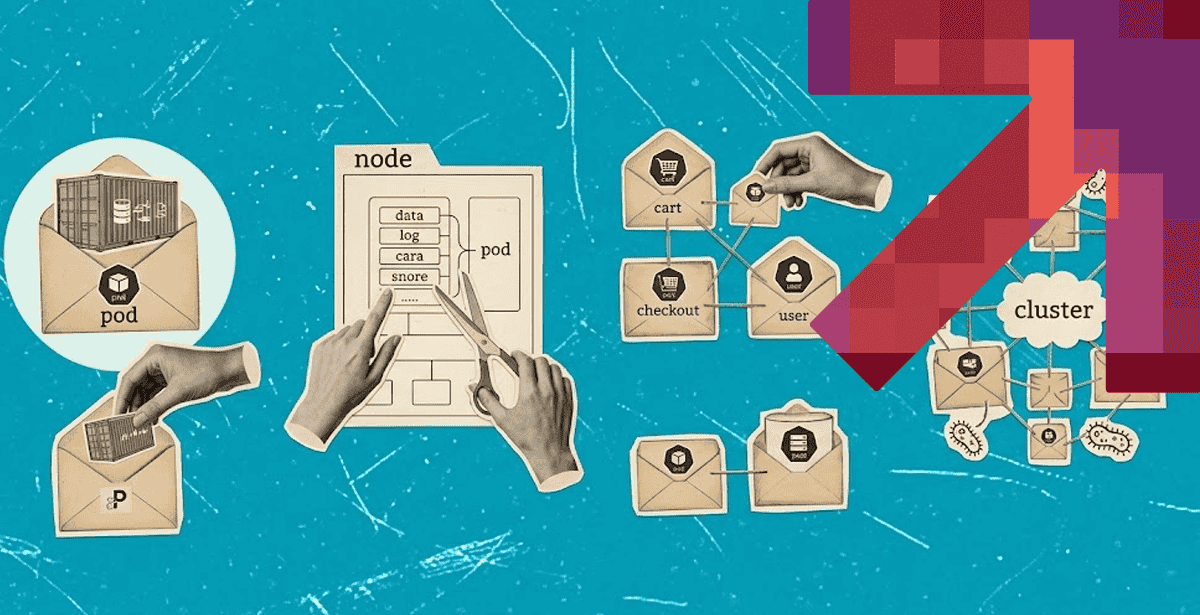
Kubernetes Pods Explained – How They Work and Why They Matter for Microservices
28-Aug-2026 Hazar Hayat
-
Architecture Decisions That Determine Long-Term Cost and Scale in Application Development for Cloud
27-Aug-2026 Hazar Hayat