
7 Processes Your Team Should Automate First with DevOps Automation Services

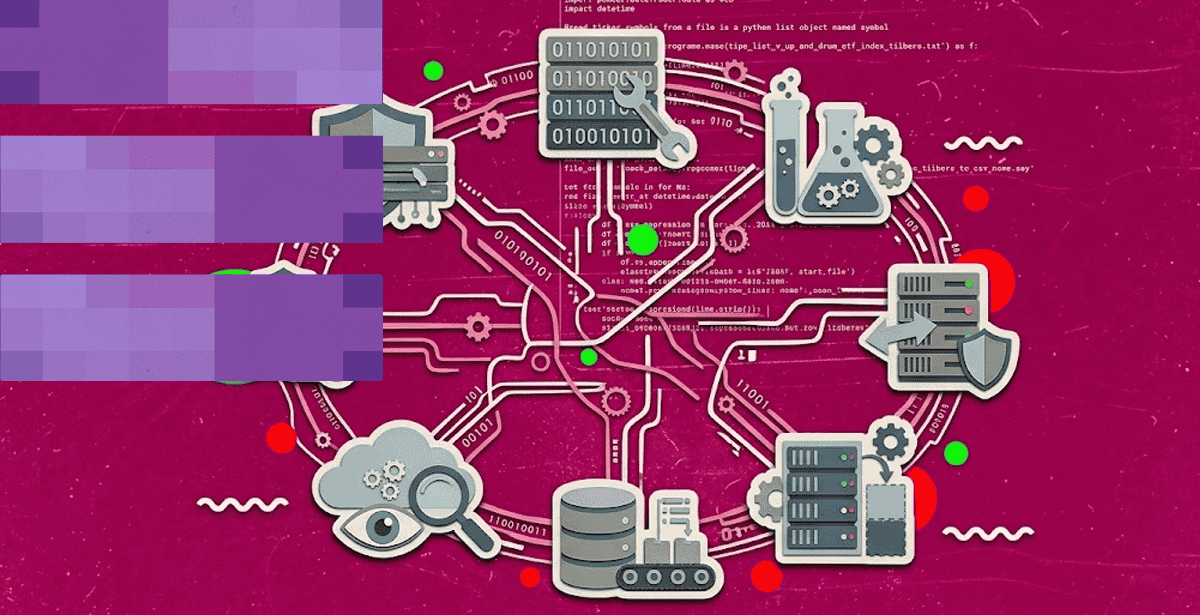
Most engineering teams automate the wrong thing first. DevOps automation services work best when they target the processes eating the most manual hours.
Picking randomly wastes early momentum. The right first targets build trust in automation and free up time for the next round.
What Are DevOps Automation Services?
DevOps automation services replace manual, repetitive engineering work with reliable, scripted processes. They cover builds, testing, deployment, and infrastructure changes.
The goal is not to remove engineers from the loop entirely. It is to remove the parts of their job that do not need human judgment.
A team doing this well ships faster and breaks less. Manual steps are where most deployment mistakes happen in the first place.
DevOps Services: The Building Blocks of Automation
DevOps services cover the practices and roles that make automation possible in the first place. Without them, scripts pile up without any real strategy behind them.
Where DevOps Services Fit in the SDLC
Good DevOps services touch every stage of the software development lifecycle. Planning, coding, building, testing, releasing, deploying, and monitoring can all benefit from automation and operational feedback.
During development, version control and automated build processes ensure that code changes can move consistently through the pipeline. Automated testing can validate changes before they reach production, while CI/CD pipelines can package and deploy approved builds without relying on manual handoffs.
Infrastructure as Code extends automation beyond application code. Tools such as Terraform or AWS CloudFormation can provision environments consistently across development, staging, and production. Once applications are deployed, observability tools collect logs, metrics, and traces to help teams identify performance issues and operational failures.
💡Choose migration tools around the workload, not the cloud provider. The right cloud migration tools depend on what you’re moving, how much downtime you can tolerate, and whether the workload needs to be rehosted, replatformed, or modernized during migration. Assess discovery, dependency mapping, data transfer, validation, and cutover capabilities before selecting a toolset. The goal is a controlled migration with minimal disruption—not simply moving workloads from one environment to another.
Security can also be integrated into the lifecycle through automated vulnerability scanning, policy checks, secrets management, and compliance controls.
Teams that treat DevOps as a separate phase tend to struggle because operational concerns appear too late in the delivery process. DevOps works best when automation, monitoring, security, and infrastructure considerations are woven into everyday engineering practices rather than bolted onto the end of a release.
Signs Your Team Is Ready to Automate
Several operational signals suggest that a team is ready to invest in DevOps automation. Look for these signs:
- Releases depend on manual steps, approvals, or a small number of people who know the process.
- Builds, testing, provisioning, deployments, backups, and environment setup are performed manually over and over.
- Configuration mistakes, missed steps, and inconsistent environments regularly cause deployment or production issues.
- As teams move toward more frequent releases, manual processes struggle to keep pace.
- QA teams spend significant time running repetitive regression tests that could be triggered automatically in the pipeline.
- Creating or configuring environments requires tickets, handoffs, or manual server setup.
- Engineers are pulled away from product development to manage deployments, infrastructure, logs, or routine troubleshooting.
- Recurring failures indicate that monitoring, remediation, or recovery workflows could benefit from automation.
- Differences between development, staging, and production create the classic “works on my machine” problem.
- Logs, metrics, alerts, and deployment data are scattered across tools, making it difficult to identify problems quickly.
- Adding infrastructure or responding to traffic spikes depends on someone being available to make changes.
- What worked for a small team or application no longer works as release volume, infrastructure, or customer demand increases.
The strongest signal is simple: if your team is repeatedly solving the same operational problem by hand, that problem is a candidate for automation.
The 7 Processes Your Team Should Automate First
Not every process deserves automation on day one. These seven consistently deliver the fastest, clearest return for teams starting out.
Research from DORA’s Accelerate State of DevOps report backs this up consistently. Elite-performing teams deploy far more often, with far fewer failures, than low performers.
That gap is not about hiring smarter engineers. It comes down to which processes get automated first and how consistently they get maintained over time.
1) Build and Compile Automation
Manual builds are slow and inconsistent across machines. An automated build step guarantees the same output every single time, on every machine.
This is usually the easiest place to start. Most build tools already support scripting with minimal setup effort, so the first win comes quickly.
2) Automated Testing in the Pipeline
Running tests automatically on every commit catches bugs before they reach production. Manual testing, by contrast, often gets skipped under deadline pressure.
Automated tests do not get tired or bored. They run the same checks every time, without cutting corners near a deadline or a late release night.
3) Infrastructure Provisioning
Infrastructure as Code turns server setup into a repeatable script instead of a manual checklist. Environments become consistent across development, staging, and production this way.
This also makes disaster recovery far less stressful. Rebuilding infrastructure from code takes minutes, not the days a manual rebuild might otherwise take.
4) Deployment and Release Automation
Manual deployments are where most production incidents start. A missed step or a wrong environment variable can take a whole service down without warning.
Automated deployment pipelines remove that risk almost entirely. The same tested script runs every time, with no room for a tired engineer to skip a step.
5) Configuration Management
Configuration drift happens when servers slowly diverge from their intended state. One server gets a manual fix that never makes it back into shared documentation.
Automated configuration management keeps every server in sync with a single source of truth. Drift gets corrected automatically instead of discovered during an outage.
6) Monitoring and Alerting
Manual log-checking does not scale past a handful of servers. Automated monitoring watches everything continuously and flags problems before users ever notice them.
Good alerting also cuts down on noise considerably. It should flag real problems, not page an engineer awake for every minor, harmless blip.
7) Security and Compliance Scanning
Manual security reviews happen occasionally, if at all. Automated scanning checks every build against known vulnerabilities before it ships anywhere in production.
This shifts security left in the process, catching problems while they are still cheap to fix. A vulnerability caught in production costs far more to remediate.
Together, these seven processes cover most of a team’s day-to-day toil. Automating them in roughly this order tends to compound the benefits fastest.
Scaling Automation with the Right Tools and Partners
Picking the right process to automate is only half the job. The tools and expertise behind the rollout determine whether it actually sticks.
CI/CD Tools That Fit Your Team’s Maturity
CI CD tools range from simple, opinionated platforms to fully customizable pipelines. A five-person startup and a five-hundred-engineer enterprise need very different setups.
💡Choose CI/CD tools that match your team’s maturity. The best CI/CD tools are not necessarily the ones with the longest feature list. Teams starting their automation journey may benefit from simpler, managed platforms, while mature engineering organizations may need greater customization, integrations, and deployment controls. Evaluate your team’s skills, existing workflows, release frequency, and infrastructure complexity before choosing a tool that can grow with you.
Choosing a tool that outgrows your team quickly causes just as much pain as choosing one that never scales. Matching the tool to the team matters more than picking the trendiest option.
Switching tools later is possible but rarely painless. Pipeline scripts, integrations, and team habits all build up around whichever platform gets chosen first.
When DevOps Consulting Speeds Up Rollout
DevOps consulting fills a gap when a team knows automation is needed but lacks the bandwidth to design it properly. An outside team brings pattern-matching from dozens of prior rollouts.
That experience shortens the trial-and-error phase considerably. Mistakes an internal team might make once get skipped entirely with the right outside guidance from day one.
A short consulting engagement often pays for itself quickly. Avoiding even one bad tooling decision can save months of rework down the line.
💡 Focus on bottlenecks, not just automation. Effective DevOps consulting services should identify what is actually slowing delivery—manual approvals, environment inconsistencies, lengthy testing cycles, deployment failures, or poor visibility. The right improvements should make releases faster and more predictable while strengthening reliability, security, and collaboration across development and operations.
Good consulting engagements end with a clear handoff plan. The internal team should be able to run and extend the work long after the consultants leave.
Making Automation Stick Long-Term
Automating a process once is easy. Keeping it maintained, trusted, and actually used months later is the harder part most teams underestimate.
DevOps Implementation Services for Lasting Adoption
DevOps implementation services focus on the handoff, not just the build. A pipeline nobody understands gets ignored the first time it breaks unexpectedly.
Good implementation work includes documentation, training, and a clear owner for every automated process. Without that ownership, scripts rot quietly in the background.
Designing a DevOps Pipeline Around These Processes
A DevOps pipeline should reflect the order these seven processes actually run in practice. Build, test, provision, deploy, configure, monitor, and scan, roughly in that sequence.
Teams that map their pipeline this way avoid a common trap. Bolting automation on in a random order creates gaps that surface later as unexplained production incidents.
Pipeline order also affects how quickly a team gets feedback. A build that fails fast, before slower stages run, saves engineers real waiting time every single day.
Skipping straight to deployment automation without solid testing in place is a common mistake. It just moves the failure point further downstream, where it costs more to fix.
The same logic applies to monitoring and security scanning. Placing them at the end of the pipeline, rather than skipping them, catches issues before customers ever see them.
Getting this sequence right the first time saves months of retrofitting later. Reordering a live pipeline is far harder than designing it correctly from the start.
Microsoft’s own guidance on continuous delivery makes a related point directly. Smaller, automated releases carry noticeably less risk than large, manual ones.
A well-ordered pipeline also makes onboarding easier for new engineers. They can trace exactly how a change moves from commit to production without guessing.
Where to Start This Week
Seven processes are a lot to tackle at once, so pick the one causing the most pain today. Build automation and testing are usually the fastest wins for most teams.
Momentum matters more than perfection in the first few months. A small automated win builds the internal case for tackling the next process on the list.
DevOps automation services are not a one-time project with a finish line. They are an ongoing practice that compounds in value the longer a team sticks with it consistently.
Teams that treat this as a continuous investment tend to see the largest gains. A single quarter’s project rarely captures the full value on its own.
If your team is ready to tackle these seven processes, DPL’s DevOps services and solutions team can help. We sequence the rollout and help you avoid the common early mistakes.

Topics
Related Articles
-
Architecture Decisions That Determine Long-Term Cost and Scale in Application Development for Cloud
27-Aug-2026 Hazar Hayat
-
Best Continuous Integration Tools in 2026 – GitLab, Jenkins, and AWS CodePipeline Compared
20-Aug-2026 Hazar Hayat
-
Top Traits of High-Impact DevOps Consulting Companies (and Red Flags to Avoid)
11-Aug-2026 Hazar Hayat